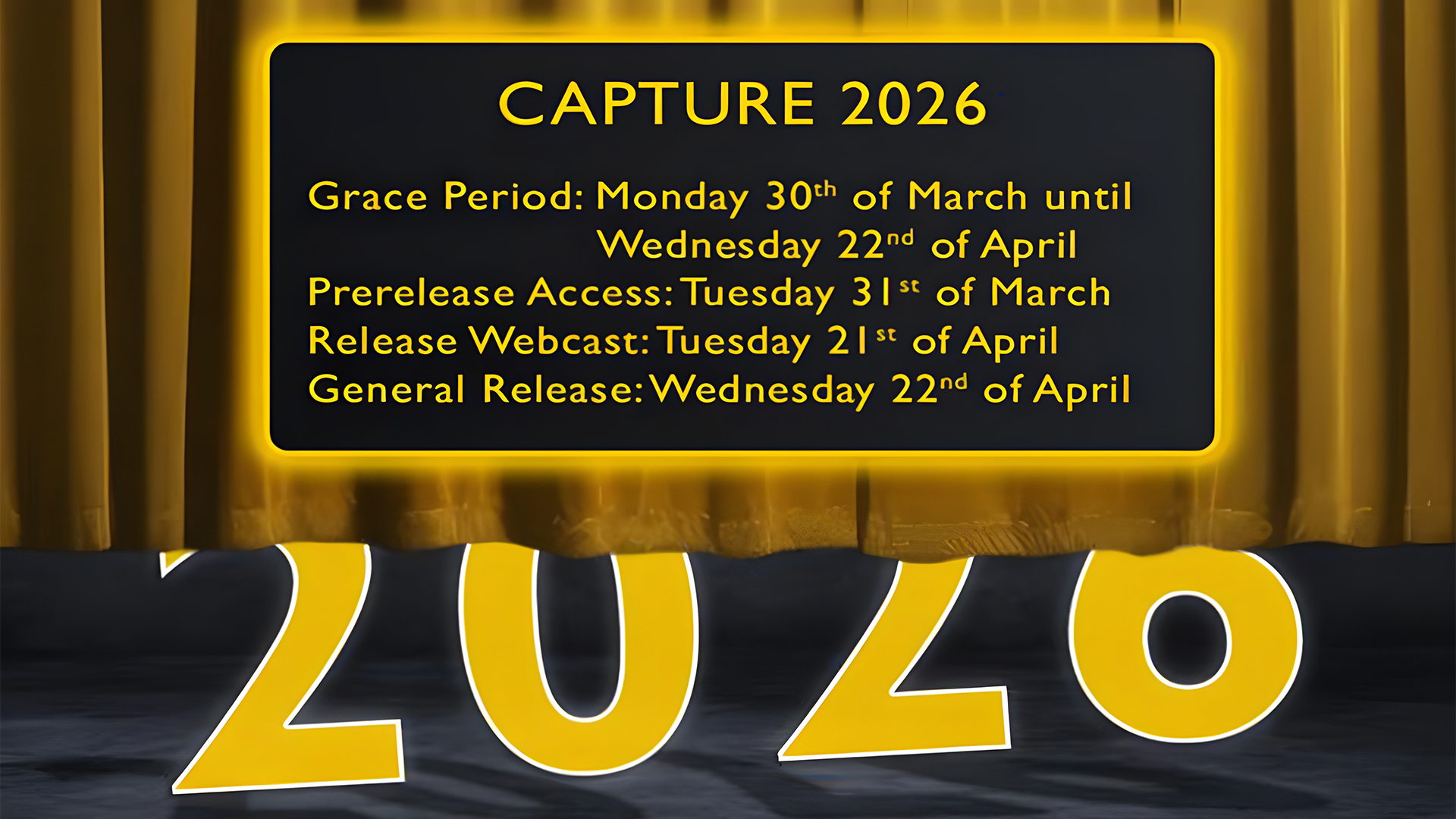
The new version of the software focuses on modernizing the user interface, making the editing and management of lights, universes, and layers easier and faster than ever.
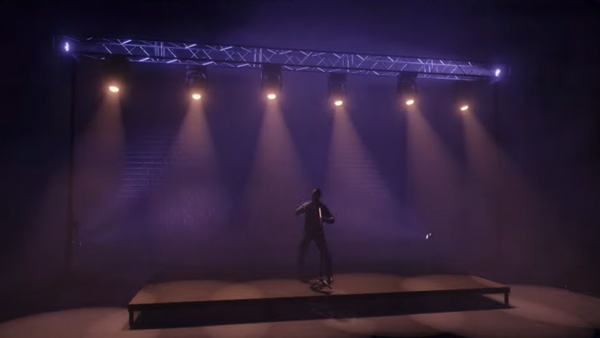
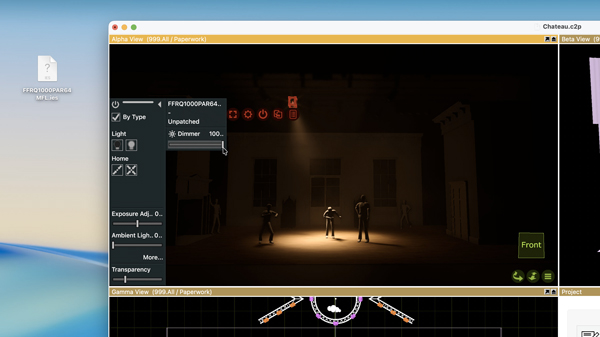
The new smoke rendering, improved bloom, a new lens flare effect, and the ability to customize image settings all contribute to making renders even more realistic.
Editing
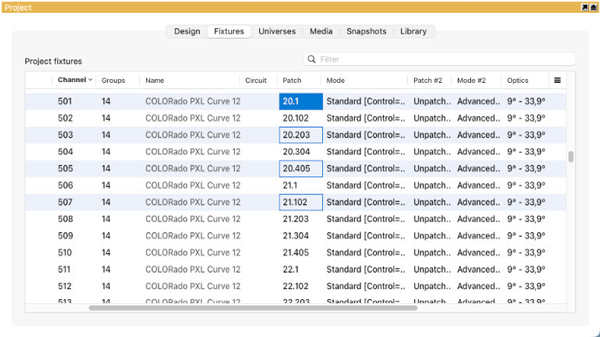
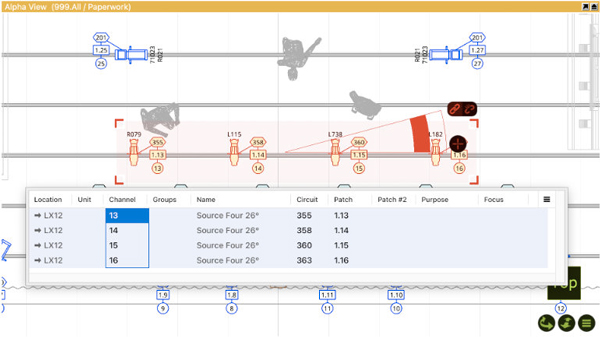
In Capture 2026, the property tables, which form the basis of the "Fixtures" tab as well as the "Layers" category in the "Design" tab, have been replaced with a new implementation, taking editing to a whole new level.
✅ A redesigned UI for property tables and property lists.
✅ Improved copy and paste functionality.
✅ Multi-select editing.

Visualisation
The smoke simulation has been significantly improved, with an enhanced bloom effect and the addition of lens flare.
✅ Improved smoke simulation with enhanced realism.
✅ Streak effects caused by internal reflections on the camera's iris blades.
✅ Contrast and Saturation adjustment.
✅ The bloom effect simulates the imperfections and limitations of camera lenses..

Rigging
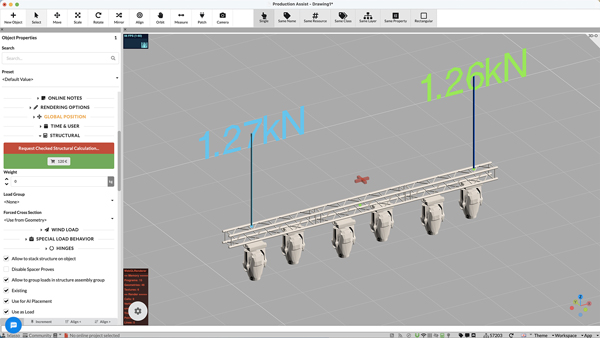
Capture 2026 enables more advanced workflows with the introduction of slings, as well as integration with Production Assist.
✅ New Sling object for modeling chains, wires, and ropes.
✅ Their annotations can show the load on the sling as well as its 3D coordinate.
✅ Integration with Production Assist for structural calculations.

Fixtures
The "Fixtures" tab transforms into a powerful spreadsheet editor.
✅ Incremental editing.
✅ Automatic "next value" suggestions.
✅ New "Fixture Details" command for a faster workflow.

LED strips & Custom Fixtures
New features that significantly expand the library.
✅ A generic LED strip fixture that simplifies workflows.
✅ Support for custom lighting fixtures for the first time.
✅ Importing IES files, essential for architectural applications.

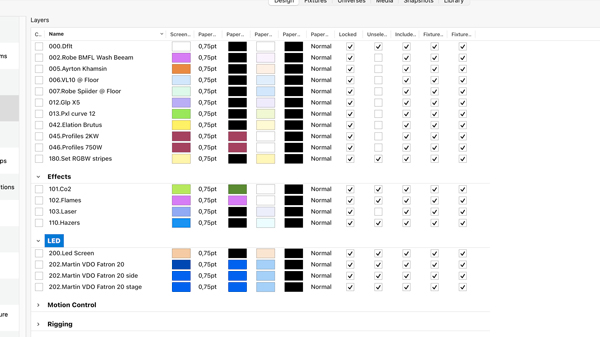
Managing a large number of layers has become easier.
✅ Layer grouping & coloring.
✅ Any set of layers can be selected and grouped
✅ Easily move layers between groups.

For more info contact us at 210-6427500 or email at sales@pasolutions.gr.
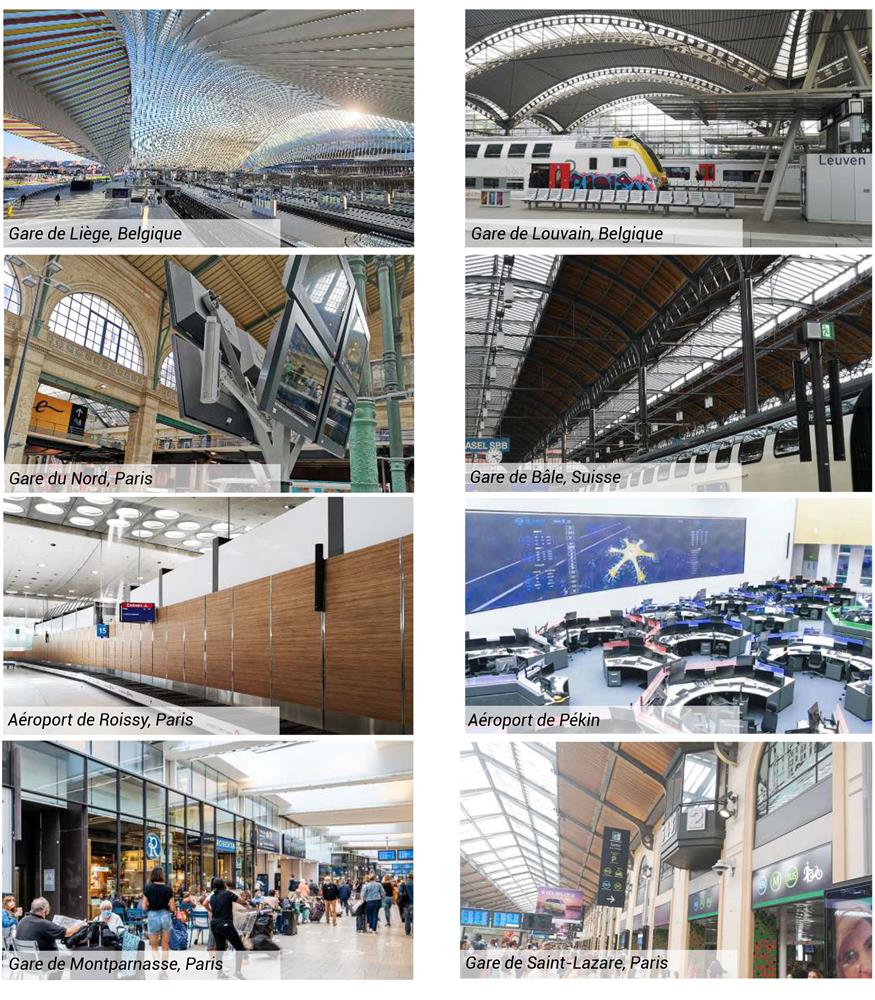
SOUND SYSTEMS FOR TRANSPORT INFRASTRUCTURES:CHALLENGES AND ISSUES

Transport infrastructures such as train stations, airports, and public transit stops are places where sound systems play a crucial role.
Clear and effective audio announcements are essential to ensure:


For more info contact us at 210-6427500 or email at sales@pasolutions.gr.
The new CHAUVET Professional STRIKE V introduces dynamic dual-layer pixel effects with a punchy flair that brings totally new and unique looks to the tour-proven STRIKE family of IP65-rated strobes and blinders.

STRIKE V features dual LED diodes, under a variable electronic frost plate that can change beam angles instantly at the press of a button, and together offer fresh new multicolor creative possibilities.
Advanced eye-candy effects, vibrant color washes, and stunning strobe capabilities from a motorized 180° tilting strobe/wash hybrid designed for powerful performance in the most demanding applications and conditions.

✔️ Fully featured, high-power, 180° tilting hybrid strobe/wash
✔️ 48 individually controllable pixels across two layers of LEDs
✔️ Variable electronic frost for added eye candy effects
✔️ Included magnetically attachable stealth filter for hiding the LEDs when not in use
✔️ Multiple mounting locations and repositionable yoke with ¼ turn adaptors
✔️ RDM control over DMX for fixture reporting
✔️ 16-bit dimming of master dimmer for smooth control of fades
✔️ Easy-to-use OLED display
✔️ Rugged design for years of rough use in the most extreme conditions
✔️ Adjustable Pulse Width Modulation (PWM) for added flexibility
✔️ USB port for fixture software updates
The new CHAUVET Professional STRIKE V is available now.

For more info contact us at 210-6427500 or email at sales@pasolutions.gr.
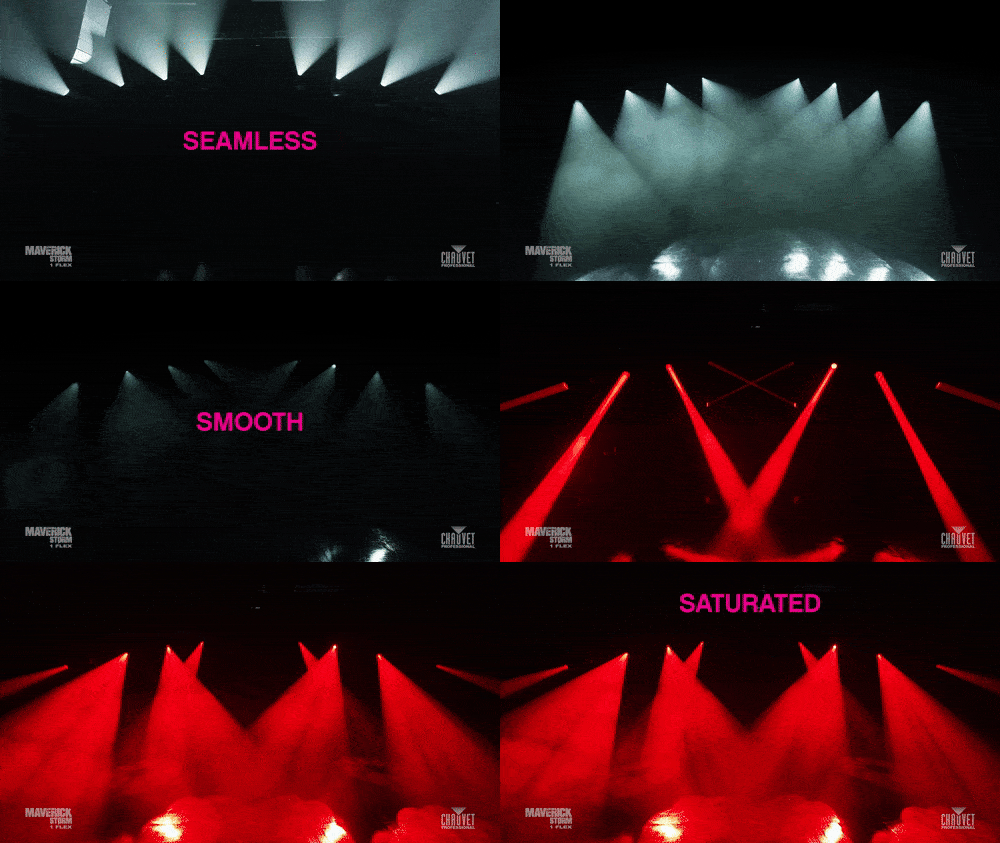
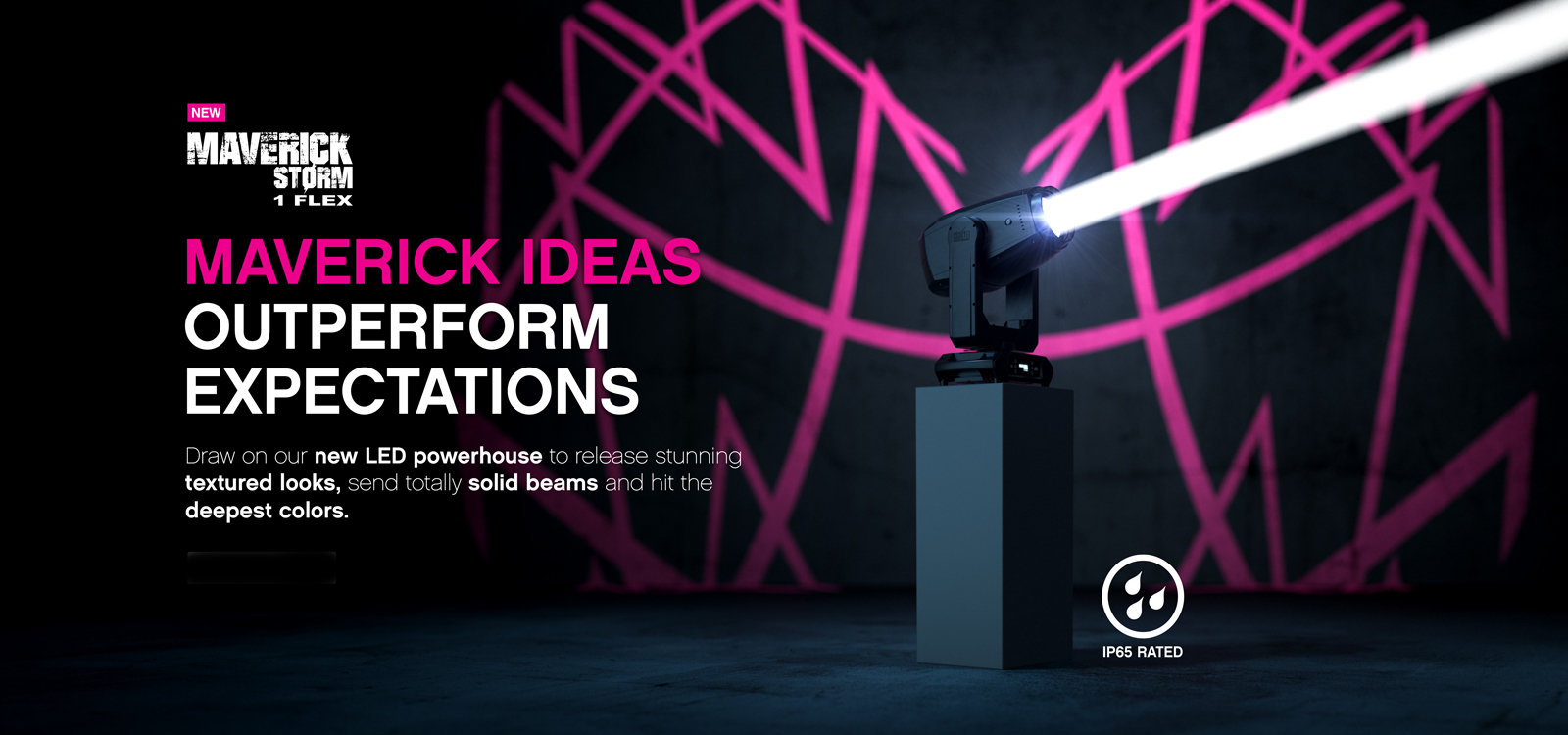
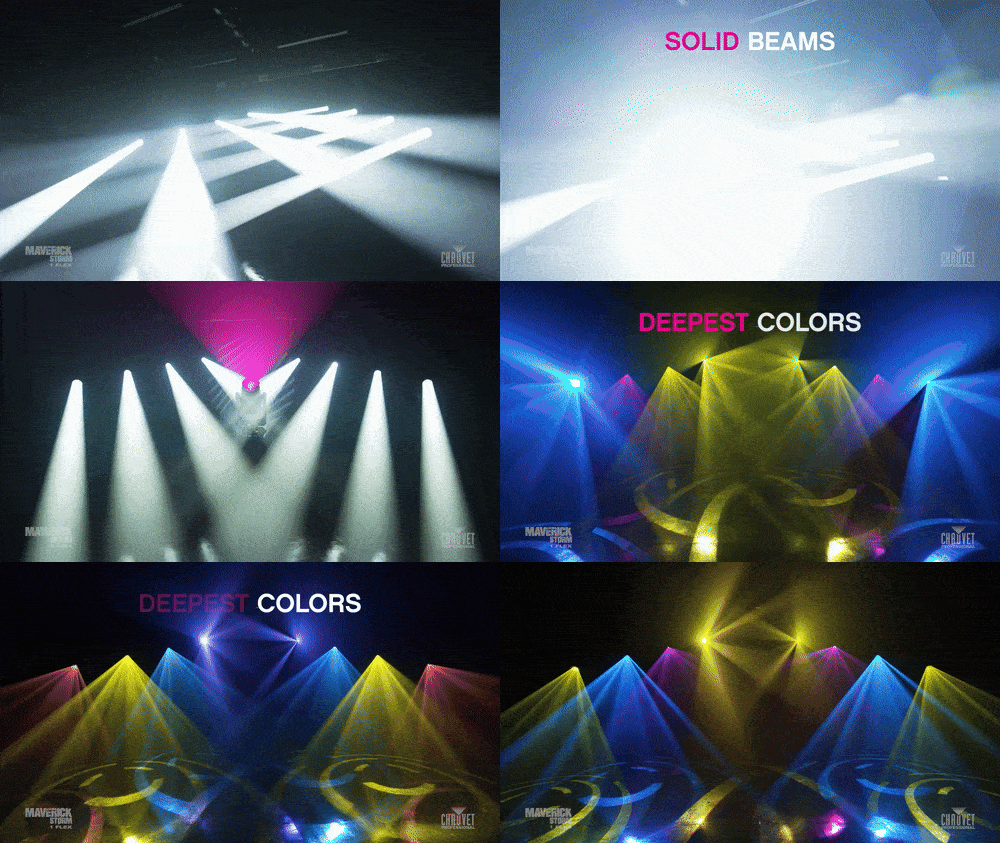
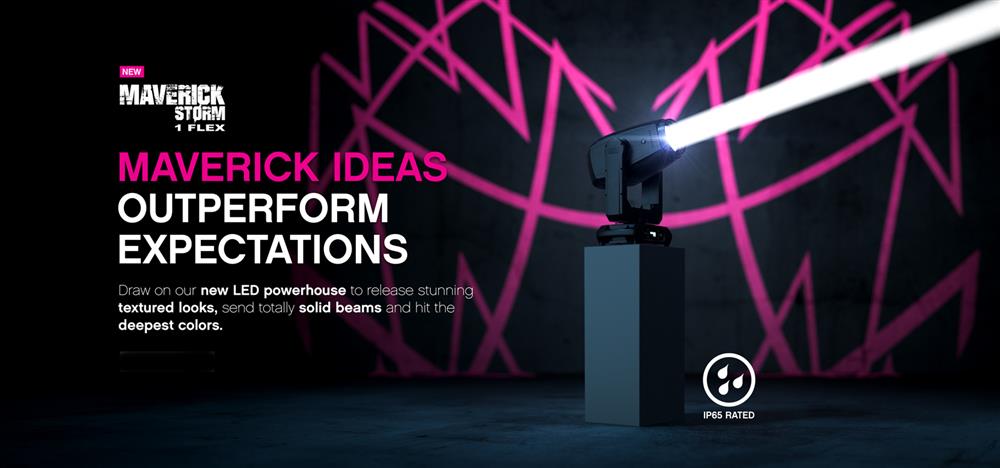
The new CHAUVET Professional Maverick Storm 1 Flex is a Spot/Beam/Wash combination IP65 luminaire that offers perfect uniform performance from any angle, without a lamp and without a hotspot.

From narrow beams to wide spots the new fixture delivers flawless colour rendering and allows lighting designers to use a huge range of gobo, prism and animation effects.

✔️ Fully featured, IP65 rated, high powered Spot/Beam/Wash combination fixture
✔️ 520W LED source
✔️ 16-bit dimming of master dimmer for smooth control of fades
✔️ Variable CMY + CTO color mixing system to create a wide palette of colors
✔️ CRI and CTB filters on color wheel for added flexibility
✔️ 1 rotating & 1 static gobo wheel
✔️ 7 rotating & 10 static gobos for massive visual effect
✔️ An animation wheel for kinetic textured effects
✔️ Tight 2.6° narrow beam angle for focused air effects
✔️ DMX, CRMX, sACN, and Art-Net
✔️ RDM control over DMX for fixture reporting
✔️ Sky Tracker mode allows for up to 4 fixtures to create sky tracker effects together
✔️ USB-C slot for software uploads

For more info contact us at 210-6427500 or email at sales@pasolutions.gr.
The new Capture 2025 is released today with major additions and improvements, including descriptive undo/redo commands, recovery of unsaved changes, focusing talkback in presentations, scaling and orientation options for plot symbol keys.
Recovery of unsaved changes - Descriptive undo/redo - Importing
Added support for describing individual project file changes. These are used in the menu for the undo and redo commands.
Undo/redo data is now stored on disk instead of in memory, resulting in lower memory usage. It can also be used to recover unsaved changes in the event of an unexpected shutdown.
When Capture 2025 is launched for the first time, and a Capture 2024 installation is present, you will be offered to import their options from Capture 2024.
Focusing talkback in presentations - Gobo, frame list, material & plot symbol management updates
Exported presentations now support pan & tilt focusing talkback with consoles.
Furthermore, additions and improvements were made to gobo, frame list, material and plot symbol management.
New commands to select unused frame lists as well as selecting and deselecting objects using the selected frame list(s) have been added. Frame lists can now be duplicated. Library gobos in a project can now be updated to the latest library version when a project is opened.
Automatically updating plot symbol keys - Scaling & orientation options
The symbol key now updates automatically to show all symbols used in the project, the correct count of fixtures using the symbols, and using the correct layer colors.
It is now possible to adjust the orientation and scaling of each plot symbol in plot symbol keys.
Zoom Response & Wheel Frame Rotation Speed Corrections
It is now possible to correct a fixture's response to zoom values between the maximum and minimum zoom angles. This is done in a new editor together with a lighting console, the real fixture and a camera. Similarly to zoom response corrections, it is now also possible to correct a fixture’s response to wheel frame rotation speeds between the maximum and minimum speed.

For more info contact us at 210-6427500 or email at sales@pasolutions.gr.